Jain marriage biodata format
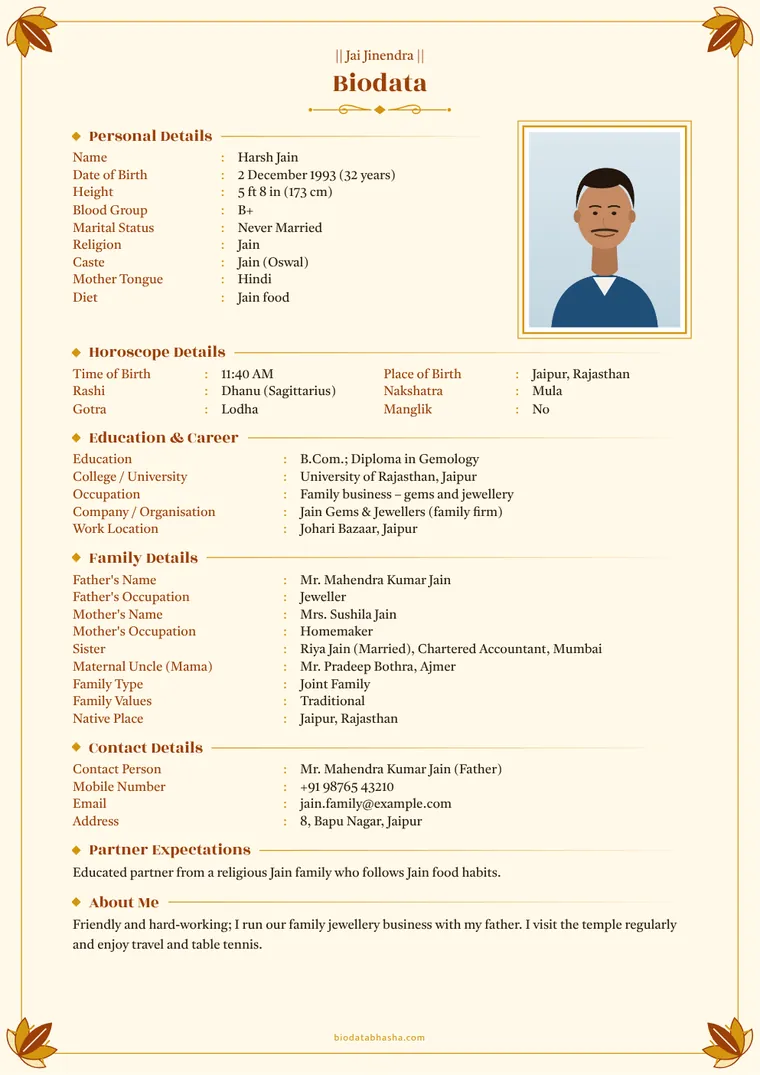
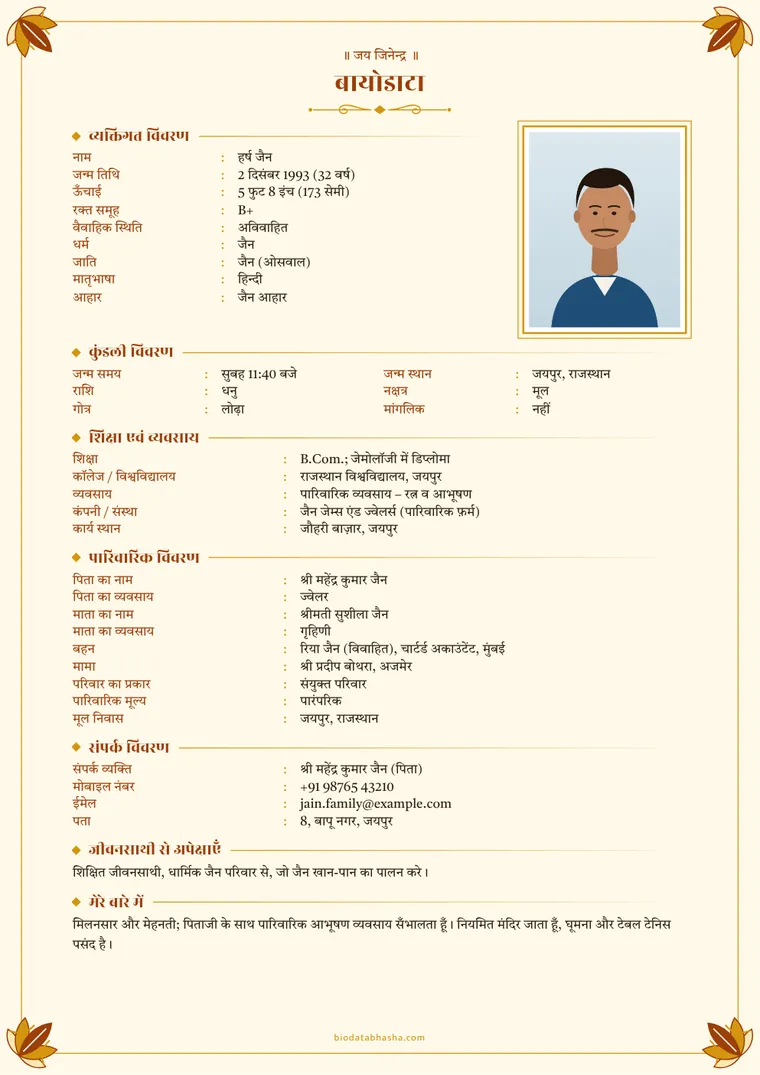
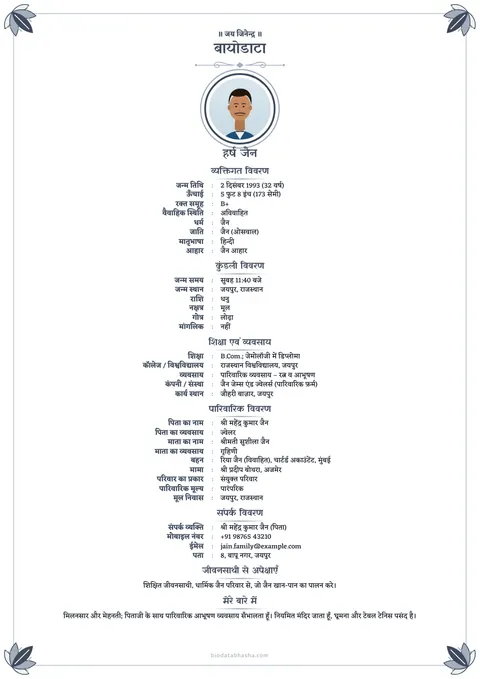
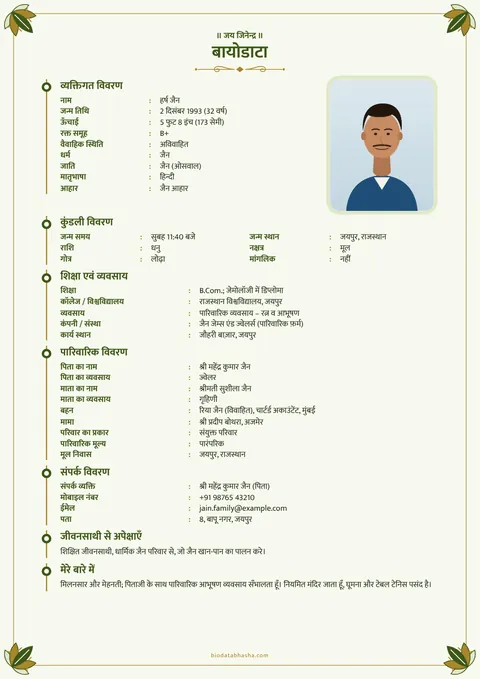
A Jain biodata opens with “॥ जय जिनेन्द्र ॥” and usually mentions the sect (Digambar or Shwetambar), the community (for example Oswal, Porwal, Agarwal Jain), gotra and Jain food habits. Everything else follows the usual biodata order.
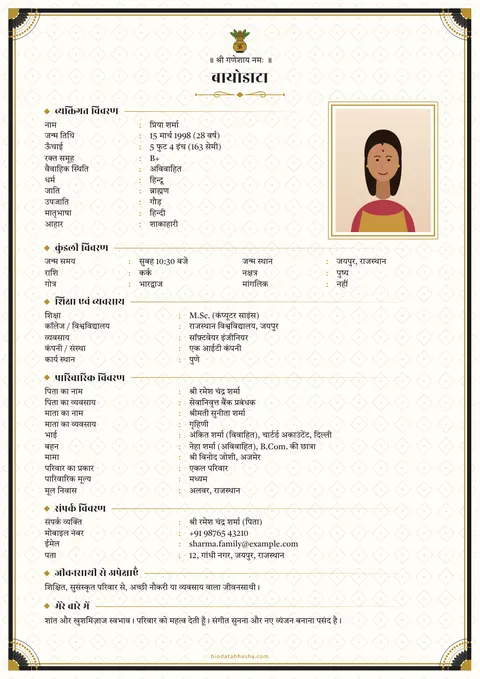
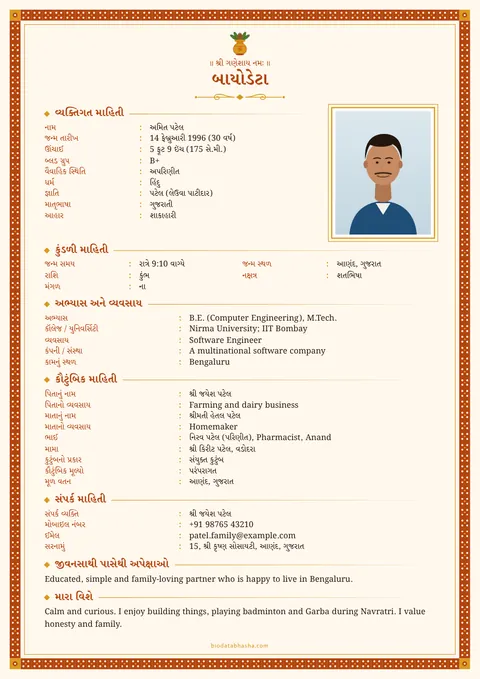
Start with this Jain sampleReplace the made-up details with yours
What to include in a Jain biodata
- Top line: “॥ जय जिनेन्द्र ॥” (choose Jai Jinendra in Design).
- Personal: name, date of birth, height, marital status, diet (“Jain food” is one of the choices).
- Sect and community: write the community under caste, and add the sect (Digambar / Shwetambar, Sthanakvasi / Terapanthi) with “Add your own field”.
- Gotra, and kundli details only if your family uses them.
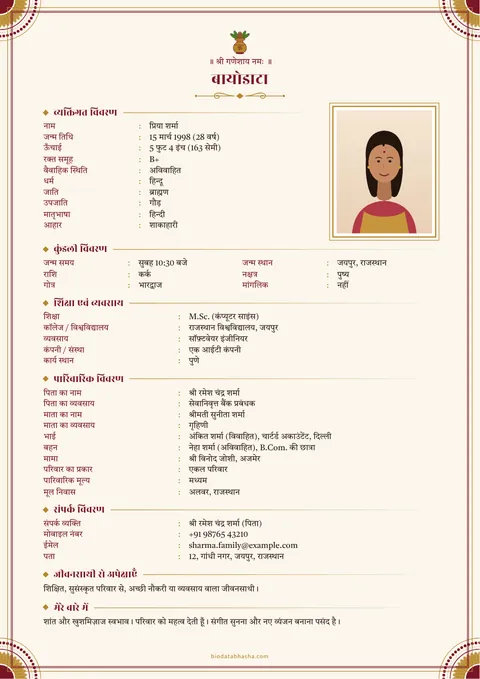
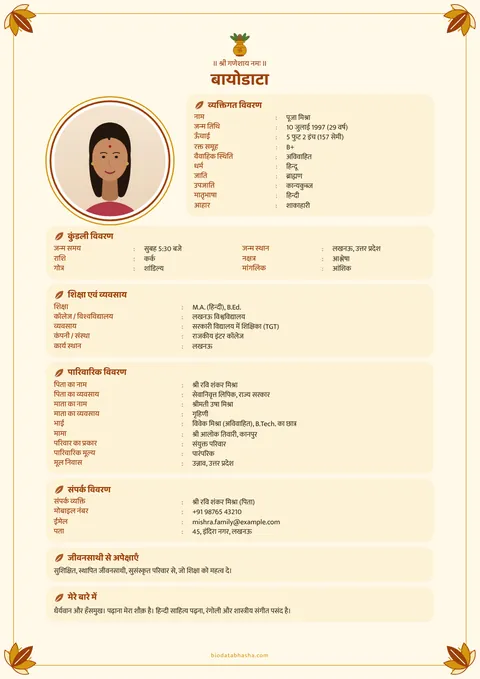
- Education, business or job, family and native place.
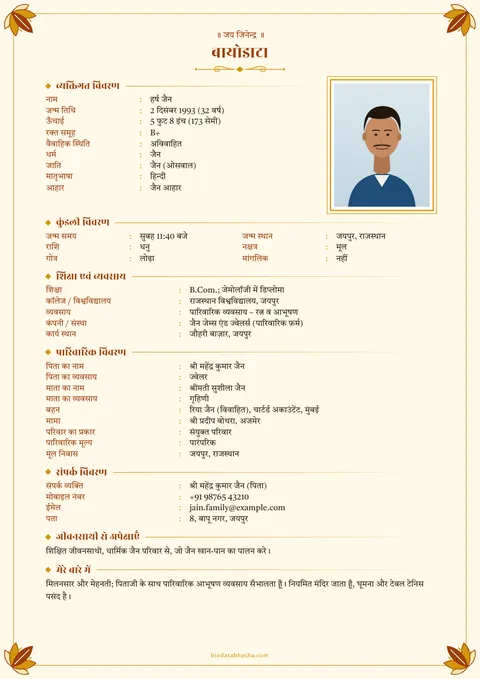
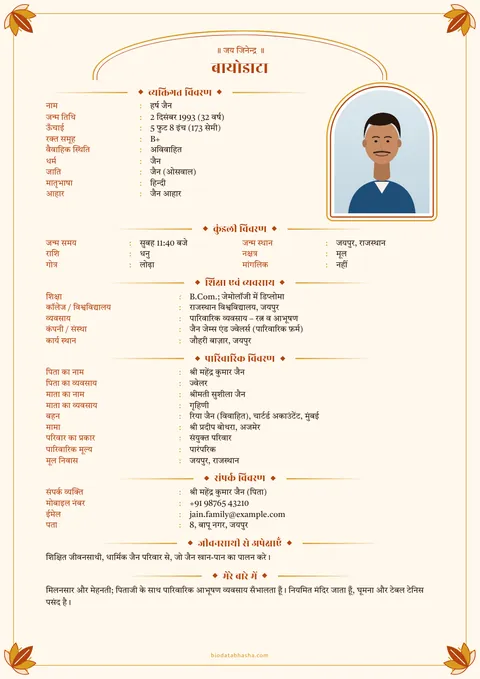
Jain biodata designs
Jain biodata: questions
How do I show “Jai Jinendra” on top?
In Design, under Symbol, choose “Jai Jinendra”. The top line is written in your biodata’s language.
Can I write Jain food habits?
Yes. In Diet, choose “Jain food”. You can add more detail (for example “no root vegetables”) in About me.
Where do I write Digambar or Shwetambar?
Use “Add your own field” in Personal details — label “Sect”, value “Shwetambar” — or write it after the community name.
Biodata formats for other communities
By religion: Hindu biodata · Muslim biodata · Sikh biodata · Christian biodata · Buddhist biodata
By community: Brahmin biodata · Maratha biodata · Rajput biodata · Agarwal biodata · Kayastha biodata · Jat biodata
Every format works in all 23 languages; caste and community lines are optional and never required.